
Smart Board for Teaching Cost Guide and Pricing Factors
A comprehensive breakdown of interactive whiteboard pricing, key hardware drivers, hidden software fees, and how to maximize your educational technology budget.
Understanding the Shift to Interactive Classrooms
In 2025, the global education landscape has firmly embraced interactive technology. Traditional blackboards and static projectors have given way to advanced smart boards for teaching. These devices, technically known as Interactive Flat Panels (IFPDs), are transforming how teachers deliver lessons, how students collaborate, and how schools operate.
However, when procurement officers, school principals, or independent educators start researching options, they are often met with a wide range of prices. A standard smart board for teaching cost can range anywhere from $1,000 to over $8,000 per unit. Why is there such a massive price discrepancy?
The variance in cost is driven by several critical factors: screen size, touch technology, processing power, software licensing, and brand positioning. Understanding these variables is key to making an informed investment that delivers a high return on investment (ROI) for your institution without overpaying for unnecessary features.
As a leader in the interactive display industry with 16 years of expertise, LeaderHub is dedicated to demystifying these costs. We provide high-quality, AI-driven, and highly affordable smart boards to 82 countries, helping schools worldwide access cutting-edge technology without the premium markup.

2025 Smart Board Cost Comparison Guide
Below is a realistic market pricing matrix for classroom smart boards in 2025, detailing standard sizes, operating system combinations, and how LeaderHub pricing compares.
| Screen Size | Touch & Display Tech | Typical System Config | Average Market Price | LeaderHub Direct Price |
|---|---|---|---|---|
| 55 Inch (Small Classrooms/Huddle Rooms) | 4K UHD, 20-Point IR Touch | Android 11/12 or Basic OS | $1,500 – $2,200 | $1,000 – $1,300 |
| 65 Inch (Standard Classroom Size) | 4K UHD, Zero-Gap Bonding | Android 13/14 + Optional OPS | $1,800 – $3,000 | $1,099 – $1,299 |
| 75 Inch (Medium-to-Large Classroom) | 4K UHD, Optical Bonding | Android 13/14 + Intel i5 OPS | $2,500 – $4,500 | $1,399 – $2,399 |
| 86 Inch (Large Lecture Halls) | 4K UHD, Anti-Glare Glass | Dual OS (Android + Windows) | $3,800 – $6,500 | $1,699 – $3,199 |
| 110 Inch (Auditoriums / Large Venues) | 4K UHD, High Brightness Panel | High-Performance Dual OS | $9,500 – $15,000 | $7,999.00 |
*Note: Market prices are based on global averages including major brands like Promethean, SMART Technologies, and ViewSonic. LeaderHub direct pricing reflects factory-direct efficiency combined with high-grade components, passing savings directly to educational buyers.
Key Factors Driving Smart Board for Teaching Cost
Interactive whiteboard costs are determined by specific technology choices. Knowing what drives the price helps you decide where to invest and where to save.
1. Screen Size & Panel Grade
Size is the most visible cost driver. A 65″ display is ideal for standard classrooms, whereas an 86″ or 110″ panel is required for larger halls. Additionally, features like 4K resolution, optical bonding (which eliminates parallax errors), and anti-glare glass add to the manufacturing cost.
2. RAM, ROM & OS Options
Smart boards run on Android, Windows, or both. A basic Android smart board with 4GB RAM is budget-friendly. Adding a high-performance Windows OPS (Open Pluggable Specification) Mini PC with an Intel i5 or i7 processor, 16GB RAM, and 512GB SSD will increase the setup cost by $400 to $1,000.
3. Touch Points & Latency
Modern classrooms demand fluid, multi-student collaboration. Standard displays support 20-point infrared (IR) touch. High-end capacitive (P-CAP) touch displays offer smoother writing experiences and lower latency, but they carry a 30-50% price premium over IR touch panels.
4. Cameras & Microphone Arrays
With hybrid learning becoming a permanent fixture, built-in 4K cameras, voice-tracking microphone arrays, and high-wattage subwoofers are highly sought after. Models with integrated AV hardware cost slightly more upfront but save you from purchasing external webcams and speakers.
5. Software Licenses & SaaS Fees
Some legacy smart board brands lock you into proprietary software ecosystems with recurring annual licensing fees. LeaderHub offers an open Android and Windows ecosystem, giving teachers access to free, robust interactive whiteboard tools without hidden subscriptions.
6. Stand Options & Peripherals
Wall mounting brackets are usually included, but heavy-duty mobile rolling stands cost an additional $150 to $400. Document cameras, smart pens, and wireless screen-sharing dongles are optional add-ons that can expand the overall system cost.
The Power of Dual OS: Upgrading with Mini PCs
Many schools prefer smart boards that run both Android and Windows. While the built-in Android system handles quick whiteboarding and screencasting, a Windows environment is necessary for running full desktop applications like Microsoft Office, specialized STEM software, and school administration portals.
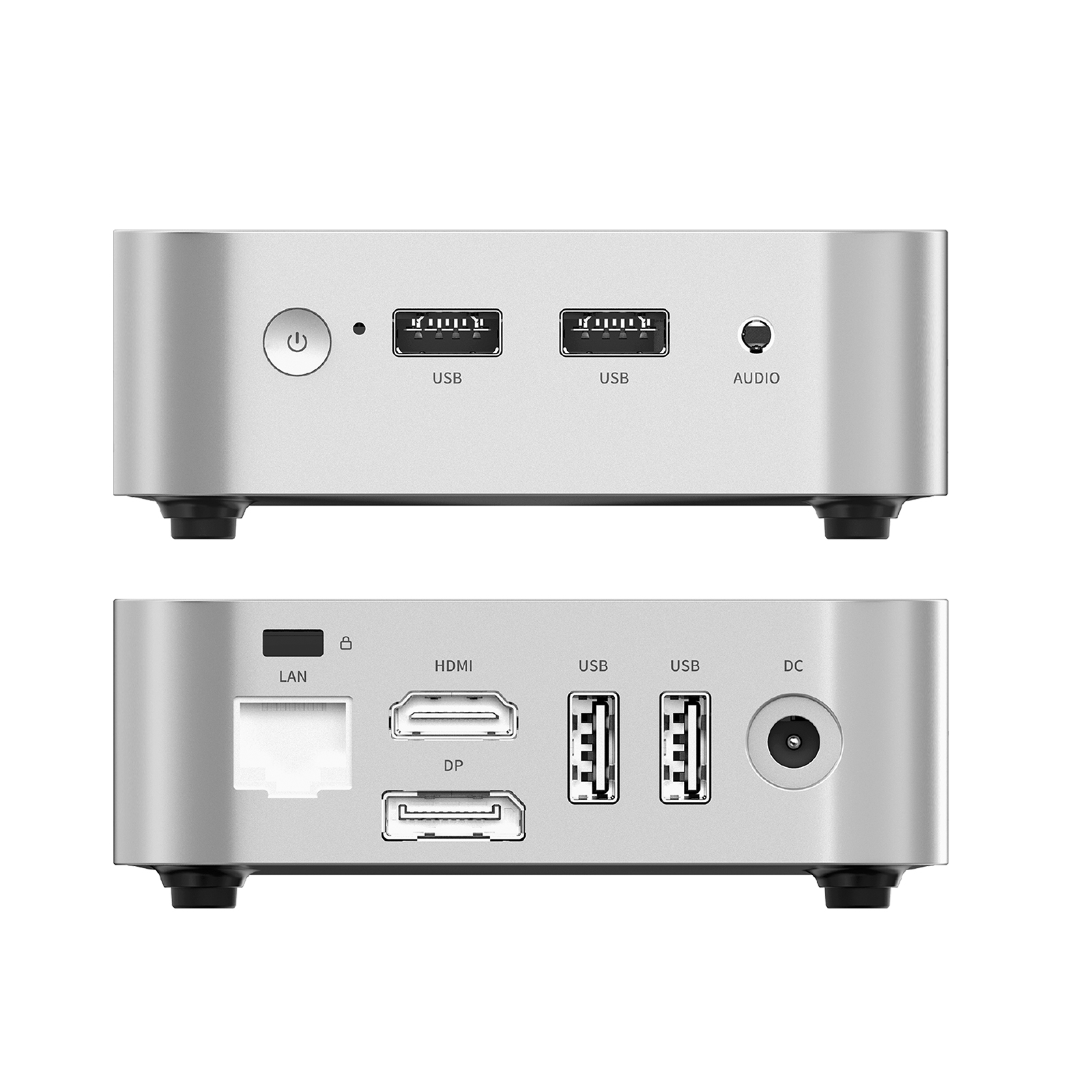
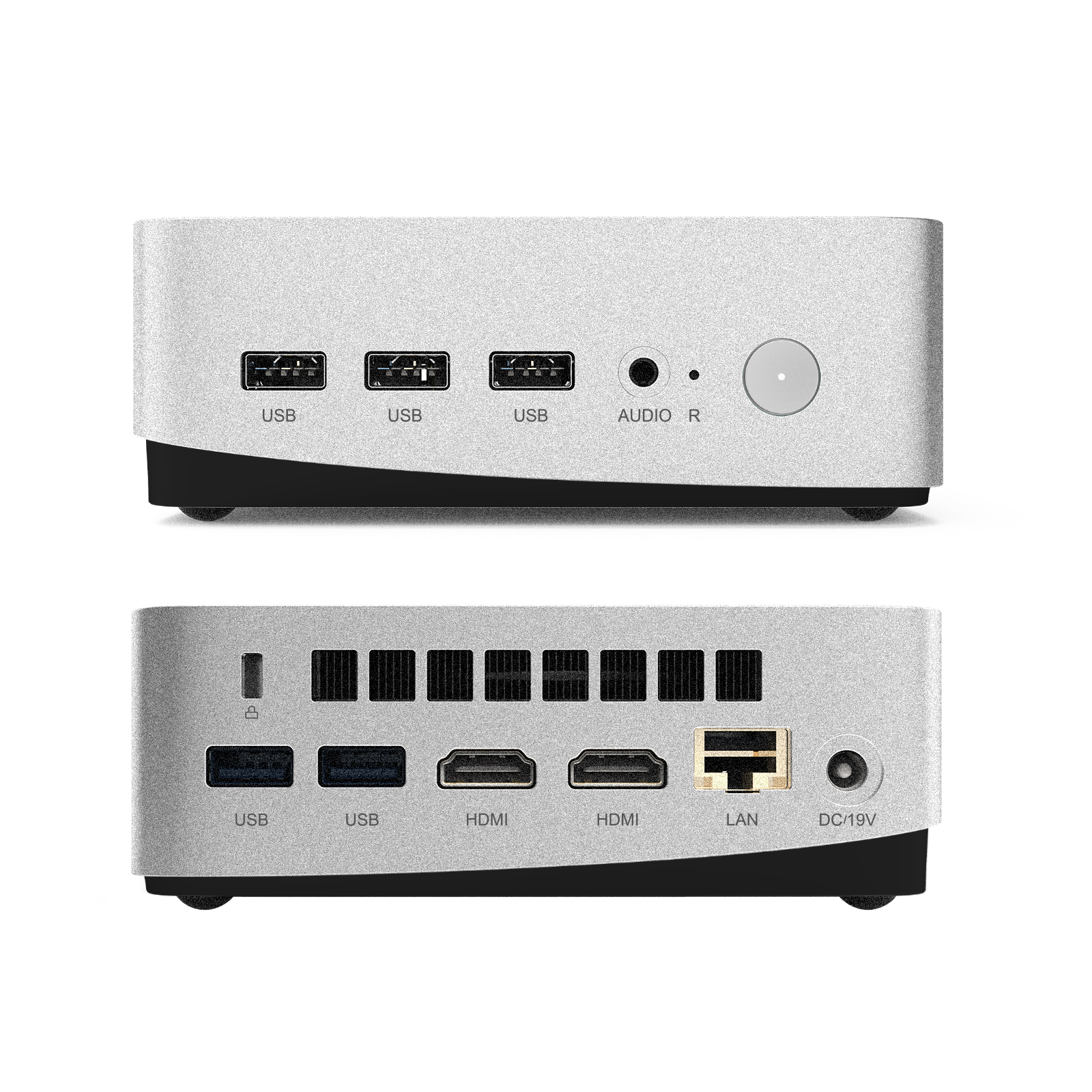
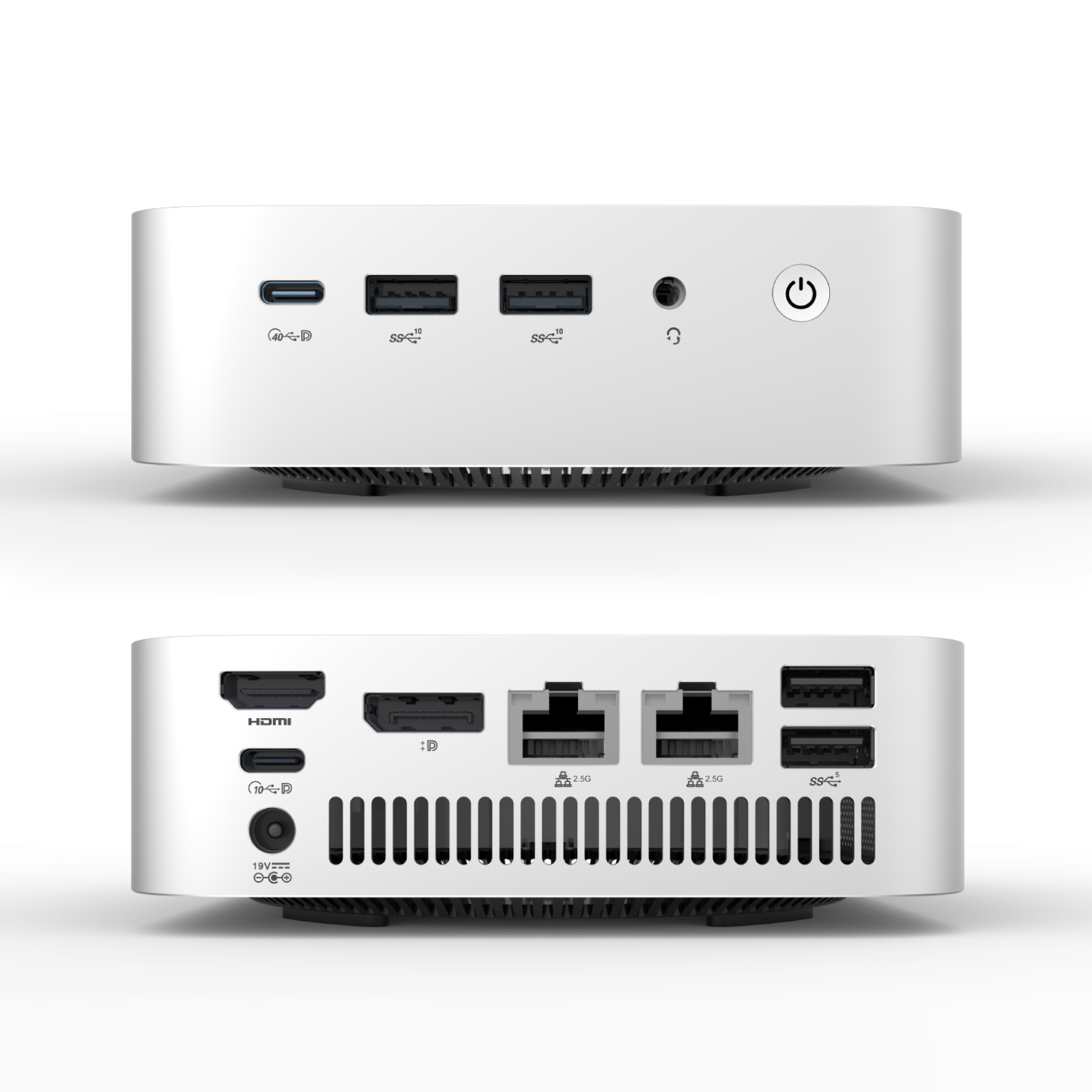
Rather than buying a locked-in, high-priced Windows smart board, LeaderHub utilizes a modular OPS Mini PC system. You can slide a dedicated Mini PC slot into the side of the display. This modularity dramatically reduces maintenance costs: if the computer needs an upgrade or repair, you only slide out the Mini PC, leaving the main display on the wall.
Depending on your processing needs, LeaderHub offers three levels of Mini PCs to suit different school budgets.
LeaderHub Smart Board Models & Pricing
Explore our top-selling interactive smartboards. Select a model to view detailed specifications or purchase directly online.
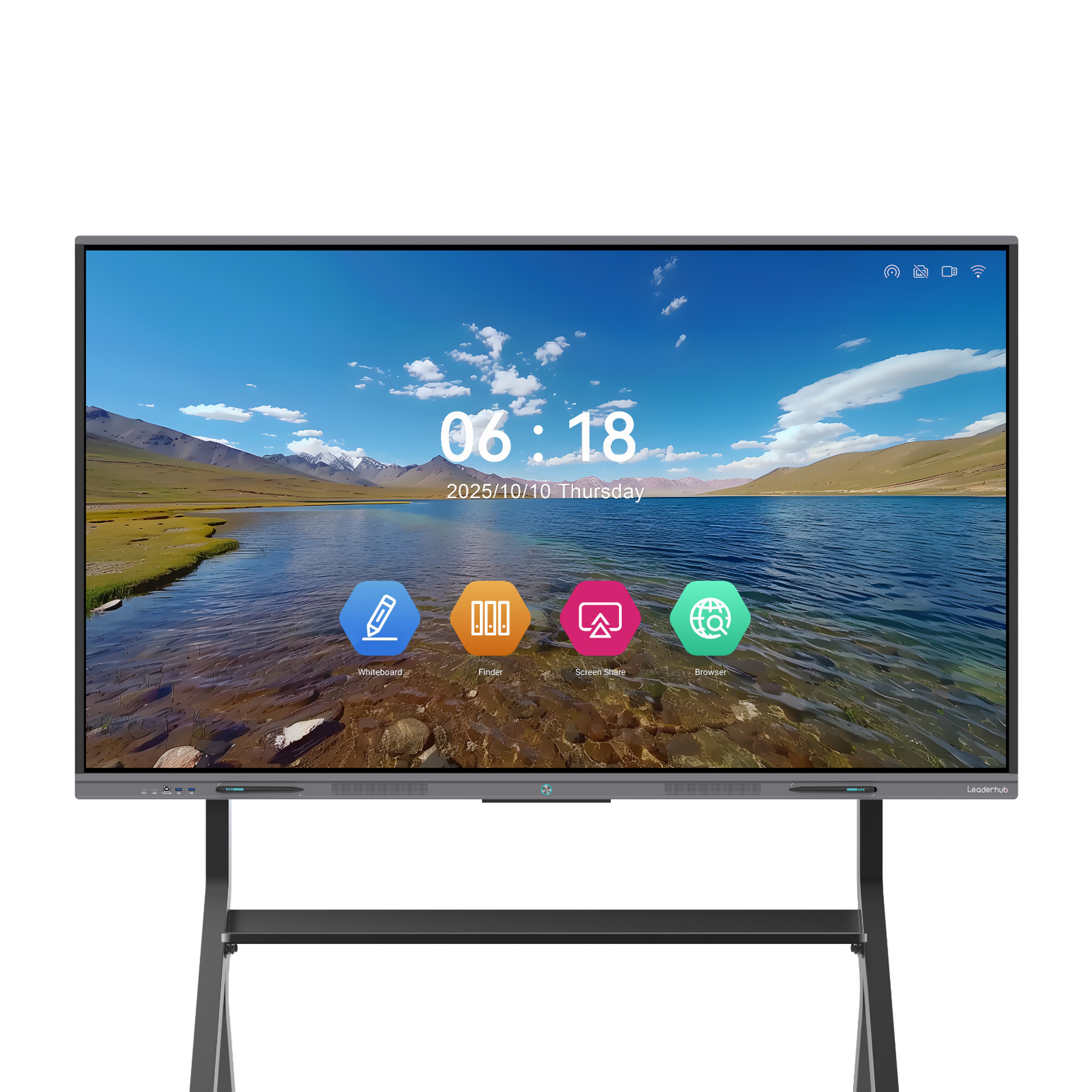
LeaderHub L65ZM Interactive Whiteboard — 65″ 4K Smart Panel

LeaderHub L65HM Smart Whiteboard — 65″ 4K Touchscreen
LeaderHub L75ZM Interactive Whiteboard — 75″ 4K Smart Panel
LeaderHub L75HM Smart Whiteboard — 75″ 4K Touchscreen
LeaderHub L86ZM Interactive Whiteboard — 86″ 4K Smart Panel
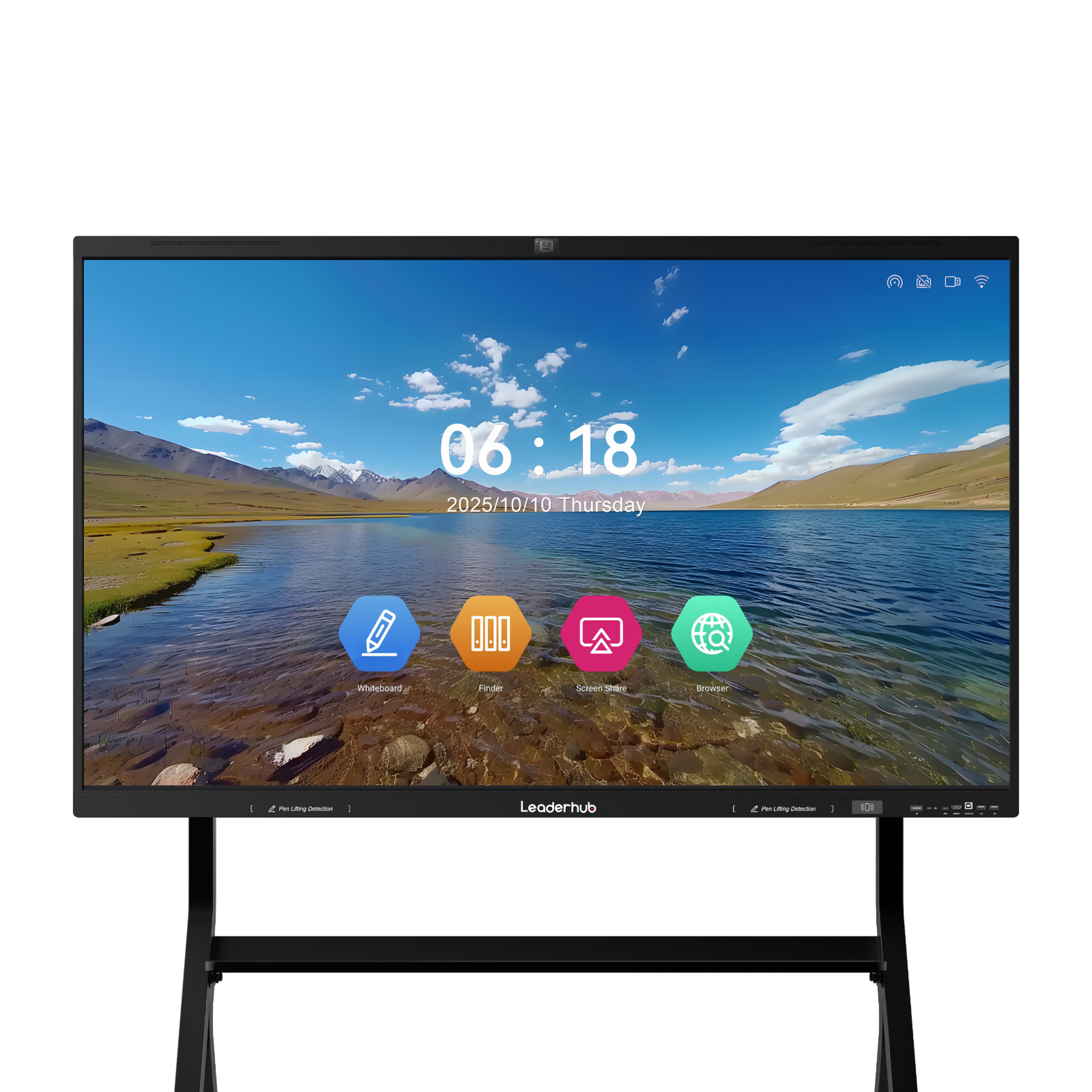
LeaderHub L75H Pro Interactive Flat Panel | 4K
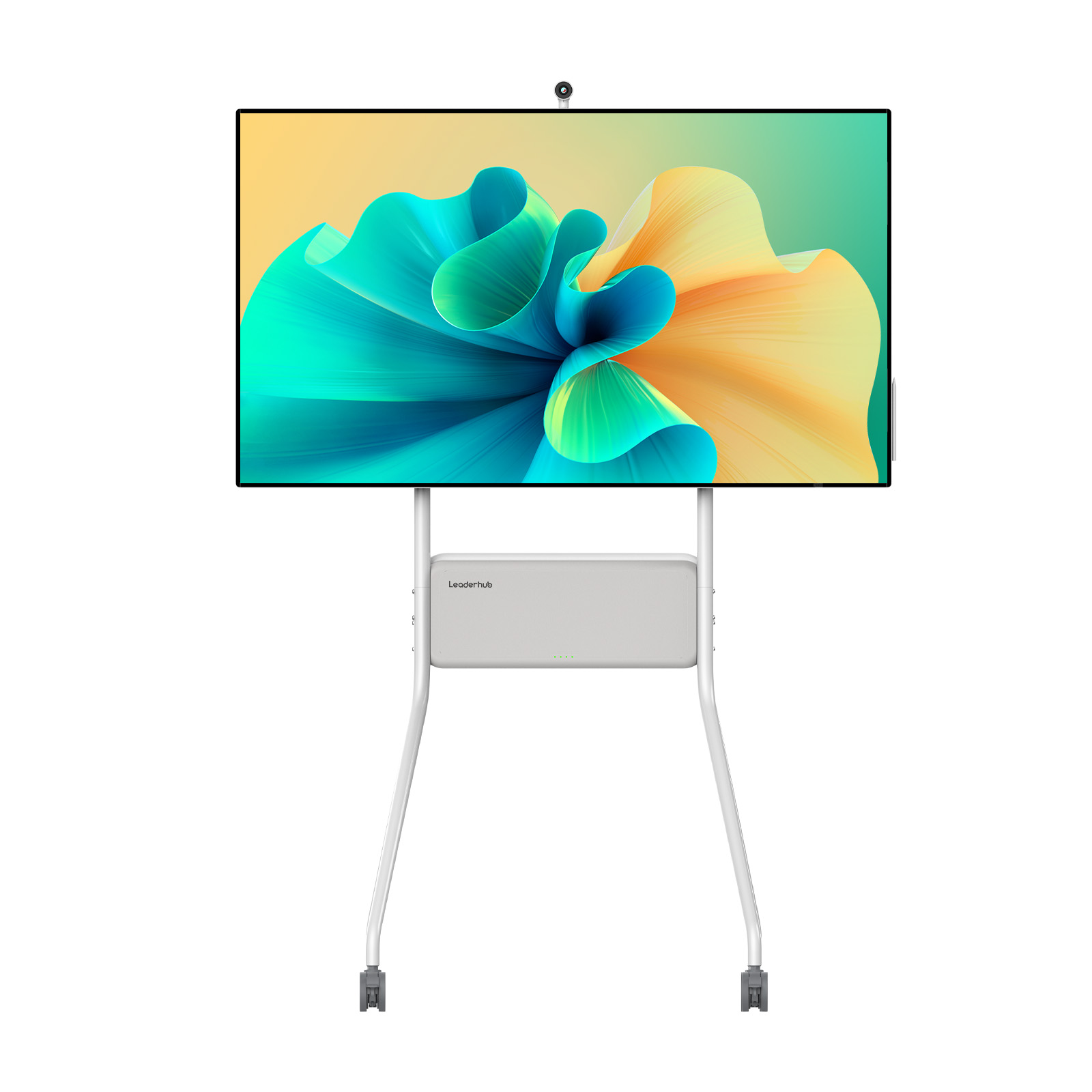
LeaderHub U55Pro Mobile 4K Smart Display — 55″
LeaderHub L86HM Smart Whiteboard — 86″ 4K Touchscreen
LeaderHub L110H 110-Inch Interactive Flat Panel
Watch Out for Hidden Smart Board Expenses
When evaluating the smart board for teaching cost, looking only at the hardware purchase price can lead to budget shortfalls later. A complete deployment strategy must account for installation, maintenance, and training.
- Shipping and Customs: Large panels are heavy and fragile, requiring palletized freight shipping. LeaderHub’s established global logistics network to 82 countries helps control these freight costs.
- Professional Installation: Mounting an 86″ panel on a drywall or concrete wall requires specialized brackets and professional installers, typically costing $200 to $500 per room.
- Teacher Training: A smart board is only effective if teachers know how to use it. Professional training workshops can cost $500 to $1,500 if not included by the vendor.
- IT Maintenance: Software updates, system security, and troubleshooting can consume school IT resources. Look for displays that support remote management (MDM) tools.
By choosing LeaderHub, schools benefit from an open Android environment that requires minimal training, straightforward mounting systems, and high hardware reliability that keeps IT maintenance costs to a minimum.
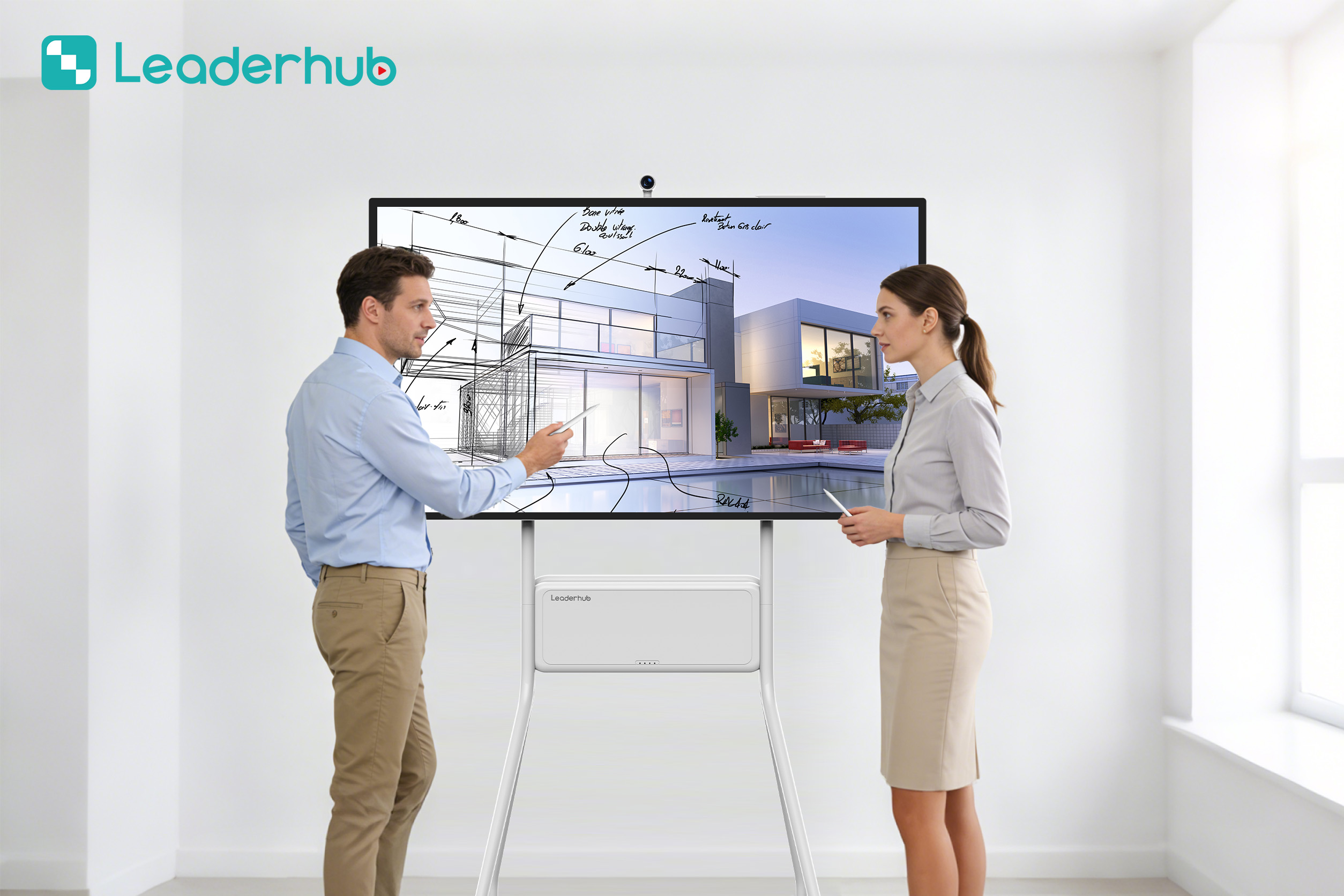
Smart Boards in Real-World Classrooms
Explore how schools and learning centers integrate LeaderHub interactive screens to create collaborative learning environments.


Smart Board Pricing: Frequently Asked Questions
How much does a smart board for teaching cost on average?
On average, a standard 65-inch smart board costs between $1,500 and $3,000. Larger 75-inch and 86-inch panels range from $2,500 to over $6,000. LeaderHub offers direct-from-factory pricing, bringing high-quality 4K smart boards to schools starting at just $1,099.
Do interactive flat panels require monthly software subscriptions?
Many legacy brands charge annual licenses for their whiteboarding software. However, LeaderHub displays operate on open Android and Windows systems, allowing you to use free, open-source, or standard classroom software without recurring licensing fees.
What is the difference between IR touch and Capacitive touch?
Infrared (IR) touch uses light beams around the screen edges to detect input, making it highly reliable and cost-effective. Capacitive (P-CAP) touch works like a giant smartphone screen, offering slightly lower latency and a sleeker look, but at a significantly higher price point.
Is a Windows OPS Mini PC necessary for teaching?
It is not strictly necessary, but it is highly recommended. While Android handles basic functions like writing and sharing, a Windows OPS PC allows teachers to run heavy desktop software, access school network drives, and utilize advanced interactive classroom applications seamlessly.
Does LeaderHub offer bulk discounts for school districts?
Yes. LeaderHub works closely with educational institutions, ministries of education, and distributors worldwide. We offer volume-based discounts, custom OEM/ODM configurations, and project-based pricing to help keep deployment costs within budget.
Ready to Upgrade Your Classrooms?
Get in touch with our interactive display specialists today to plan your school’s smart board deployment, request bulk pricing, or explore custom solutions.